Skip to content

Features

Your native reading desk.

Collect, triage, read, highlight, and revisit — feeds, read-later, parsing, media, and power-user tools in one calm Apple-native app.

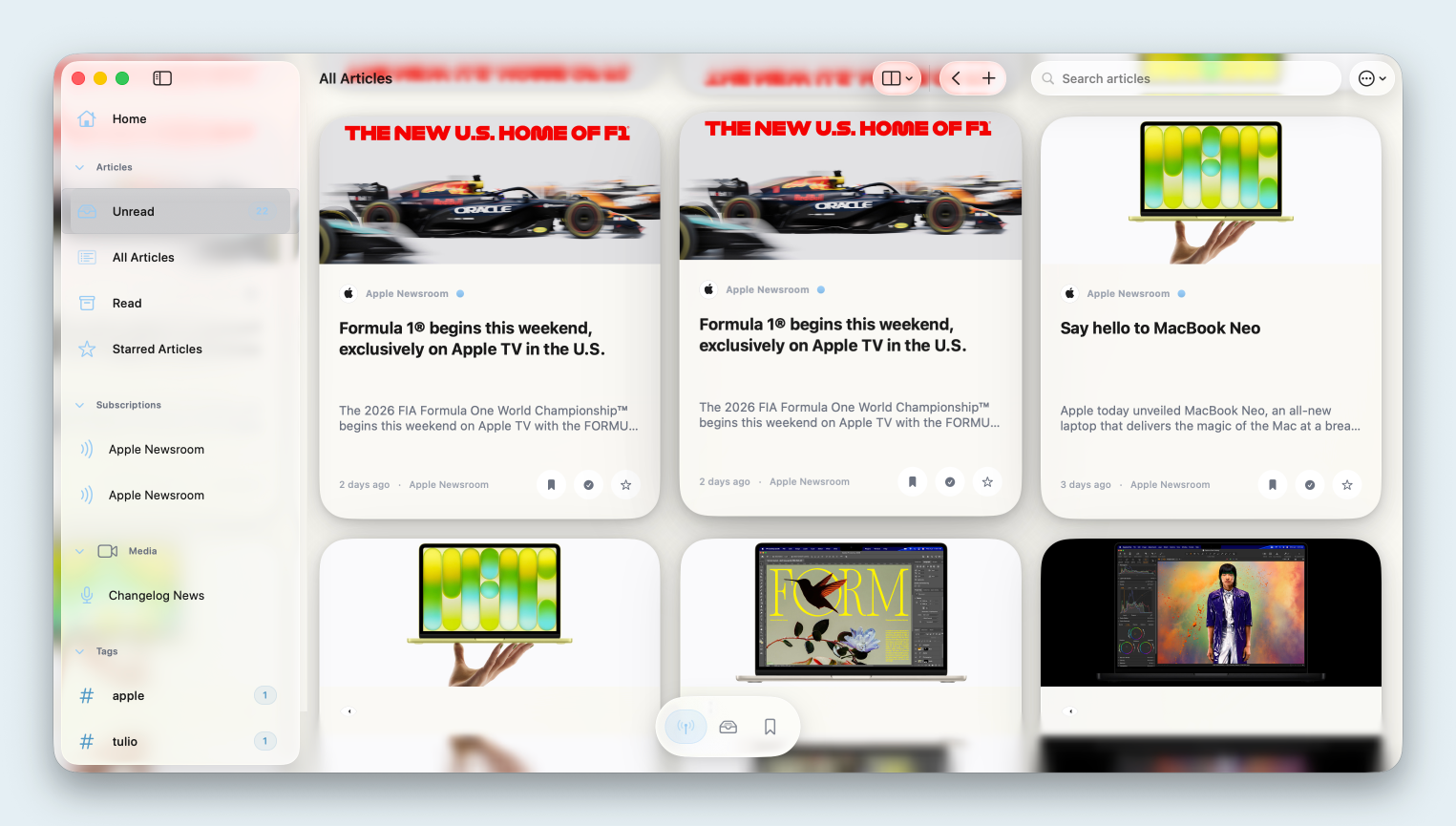
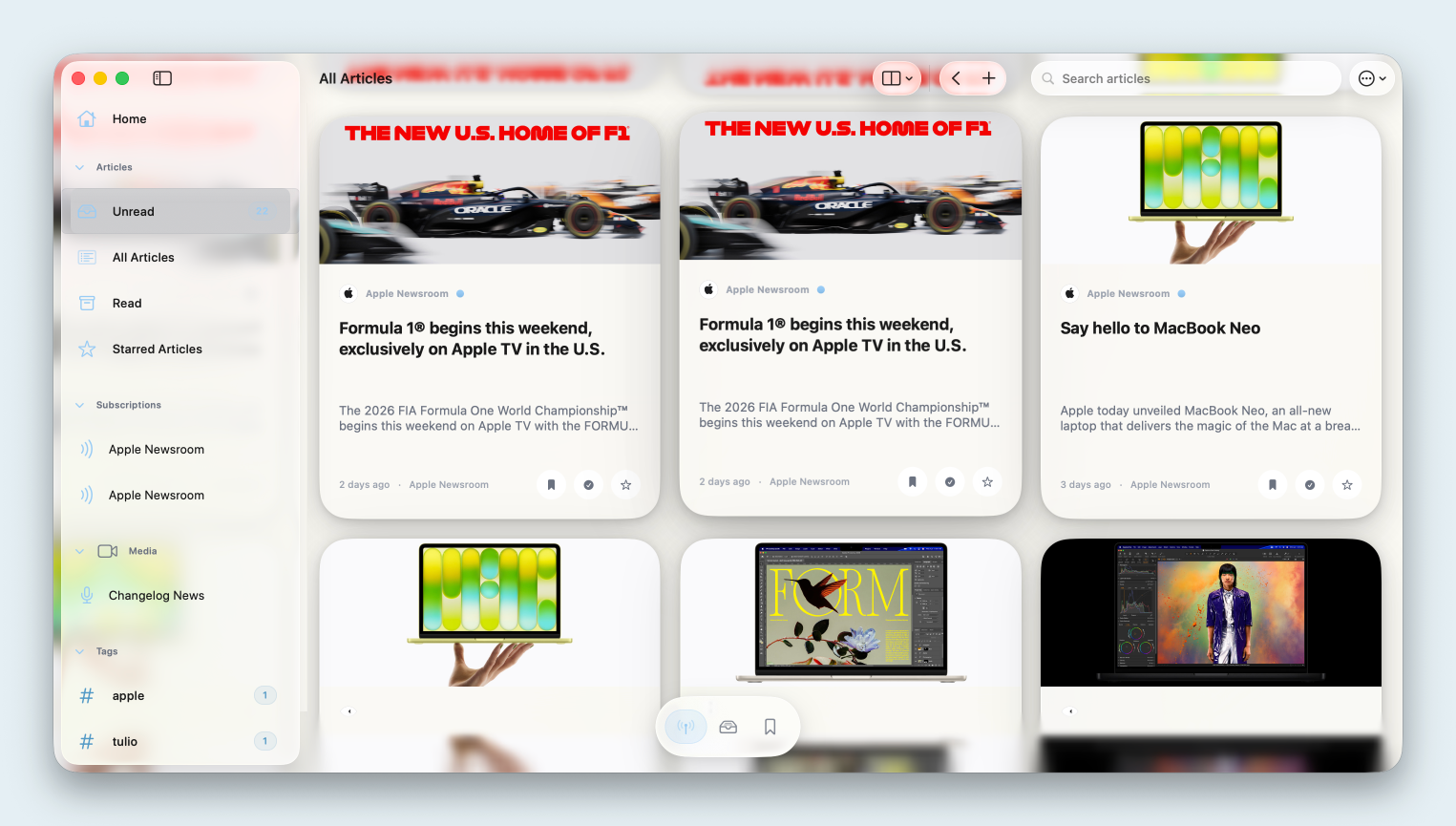
RSS, social, and media — one stream.

Subscribe with RSS, Atom, or JSON Feed. Add Reddit, Mastodon, and media channels as first-class sources — with more social integrations on the roadmap.

  • RSS, Atom, JSON Feed — Full-text parsing and card-based triage.
  • YouTube & podcasts — Watch and listen in a calm native player.
  • Source management — Unread workflow and feed cards.

Inbox

The calm web reader returns

RSS · Daring Fireball

Unread

Swift concurrency in practice

GitHub README

Saved

Why feeds still win

Article

Unread

move · read

Every format, one Reader.

Articles, Wikipedia, GitHub READMEs, JS-heavy pages, Markdown notes, PDFs, and EPUB — offline when you need it.

Feature preview Reader

Sample article

Native Reader typography with highlights and calm chrome — the same surface as blog and release notes on this site.

  • Web articles — Clean text from complex pages.
  • GitHub READMEs — Repository docs as readable articles.
  • PDF, EPUB, Markdown — Documents beside your queue.

Beautiful reading. Lasting highlights.

Highlight in the Reader or on web content — stored references with tags and a dedicated highlights library.

Highlights stay tied to their source so you can revisit the idea, not just the link.
Feature preview highlights

Stored for later reference — revisit when it matters.

  • Reader surfaces — Editorial typography and calm chrome.
  • Web highlights — Rendered references saved for later.
  • Tags & metadata — Organize by source and topic.

Listen on your terms.

Text-to-speech with native playback controls — reading continues when your eyes cannot.
Read aloud in Cardmaniacs
  • TTS in Reader — Start listening from any article.
  • Native controls — Playback integrated with reading flow.

Keyboard-first when you want it.

Quick Add, command palette, search, and Vim-style navigation for fast triage and reading.

  • Quick Add — Capture URLs and files in seconds.
  • Command palette — Search and actions from one surface.
  • Vim keys — Surf articles without the mouse.
Search or run an action…
  • Quick Add URL ⌘⇧N
  • Search library ⌘K
  • Archive & next E
  • Vim: next article j

Find everything later.

Frictionless tagging, Smart Lists, full-text search, bookmarks, and reading states.
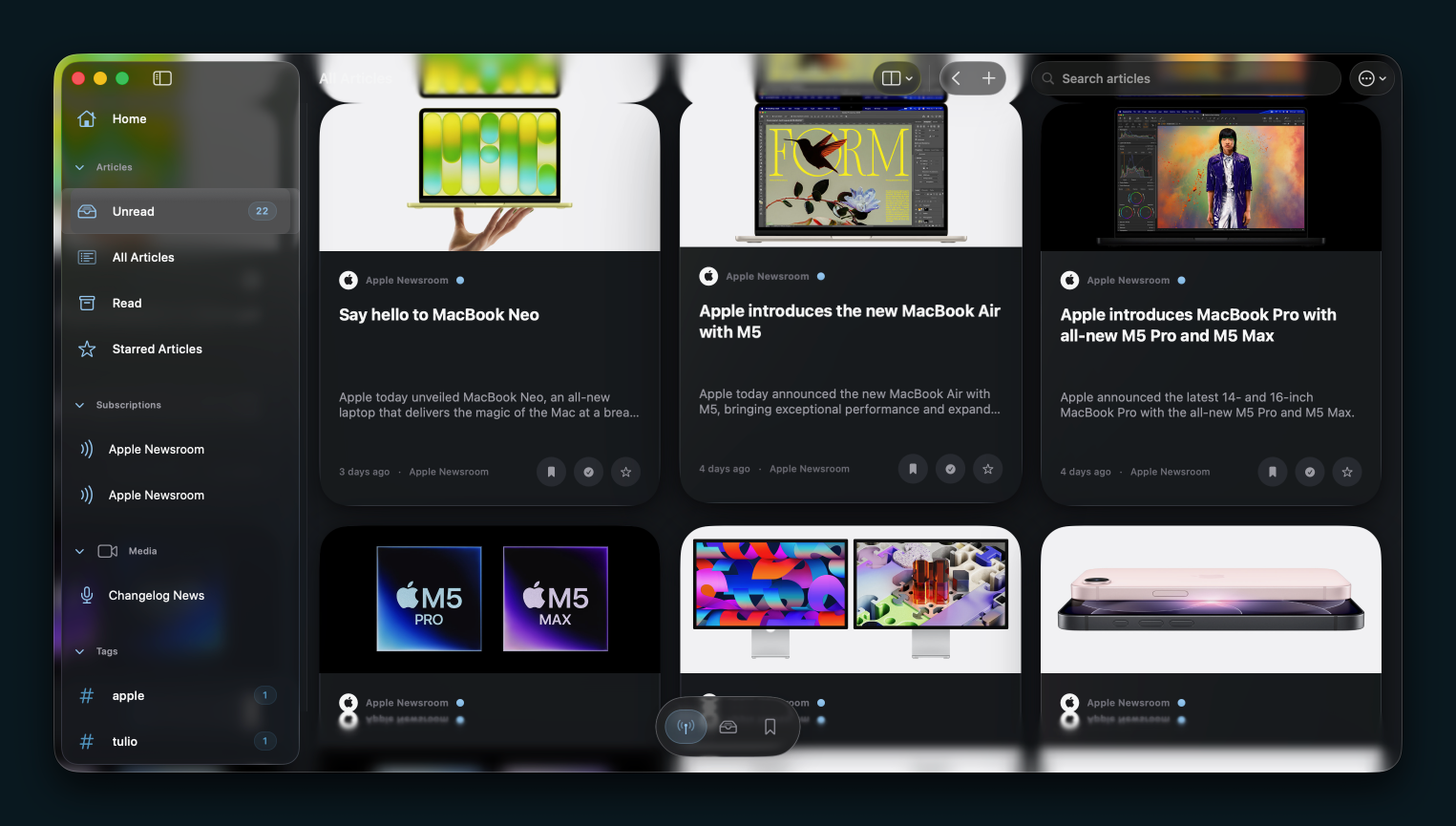
Library organization
  • Tags — Flexible labels across all content types.
  • Smart Lists — Rules that keep collections fresh.
  • Full-text search — Fast, local, private search.

Plugs into Apple platforms.

App Intents, web extension, widgets, and iCloud sync — where supported on your devices.

Watch & listen without browser chaos

YouTube and podcasts inside a calm native player.

  • App Intents — Automate with Shortcuts.
  • Web extension — Save from Safari instantly.
  • Widgets — Glanceable queue on Home Screen.

Crafted for Mac, iPhone, and iPad.

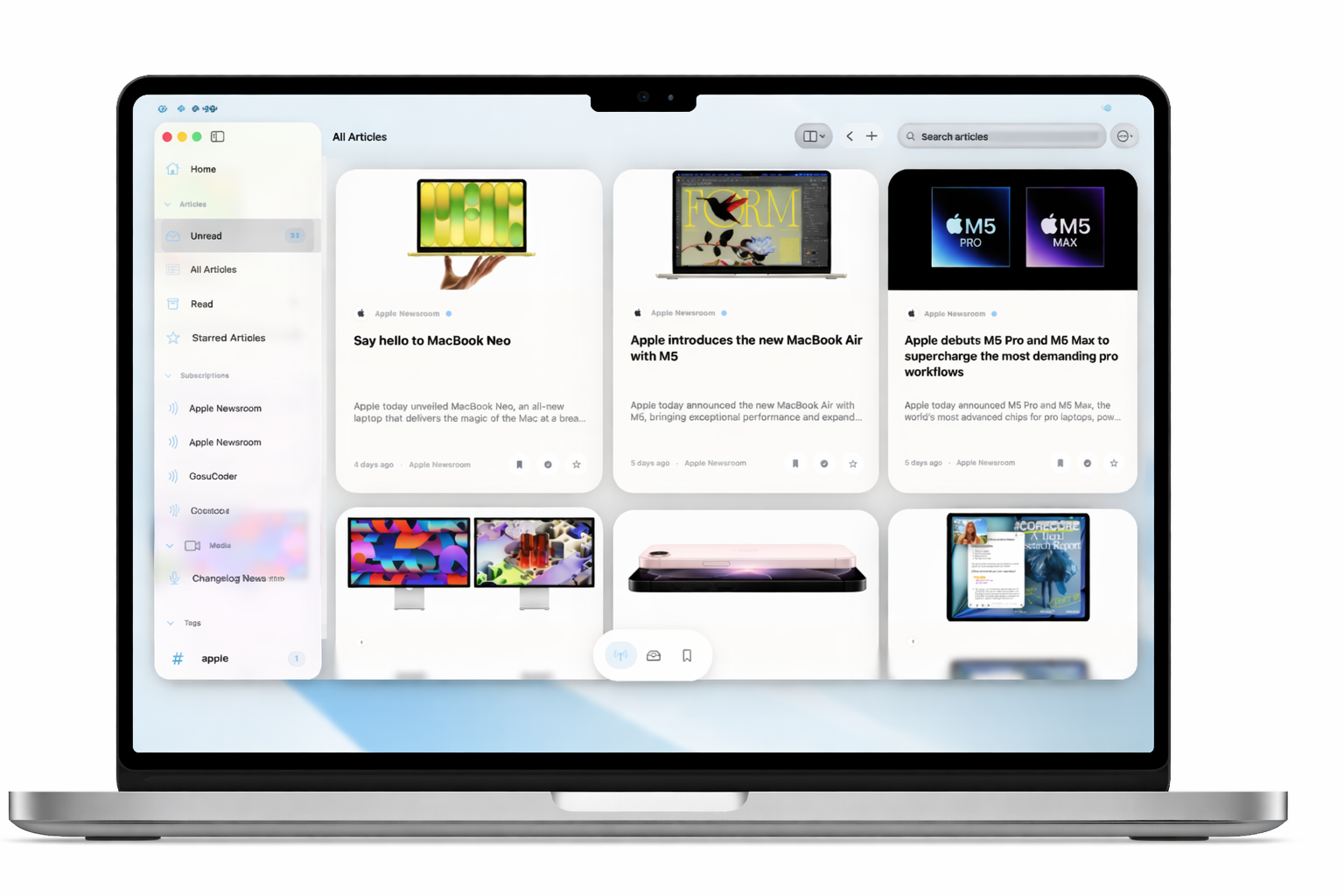
Keyboard-first Mac workspace, touch-first iPhone capture, iPad multitasking — with dark mode and offline reading.
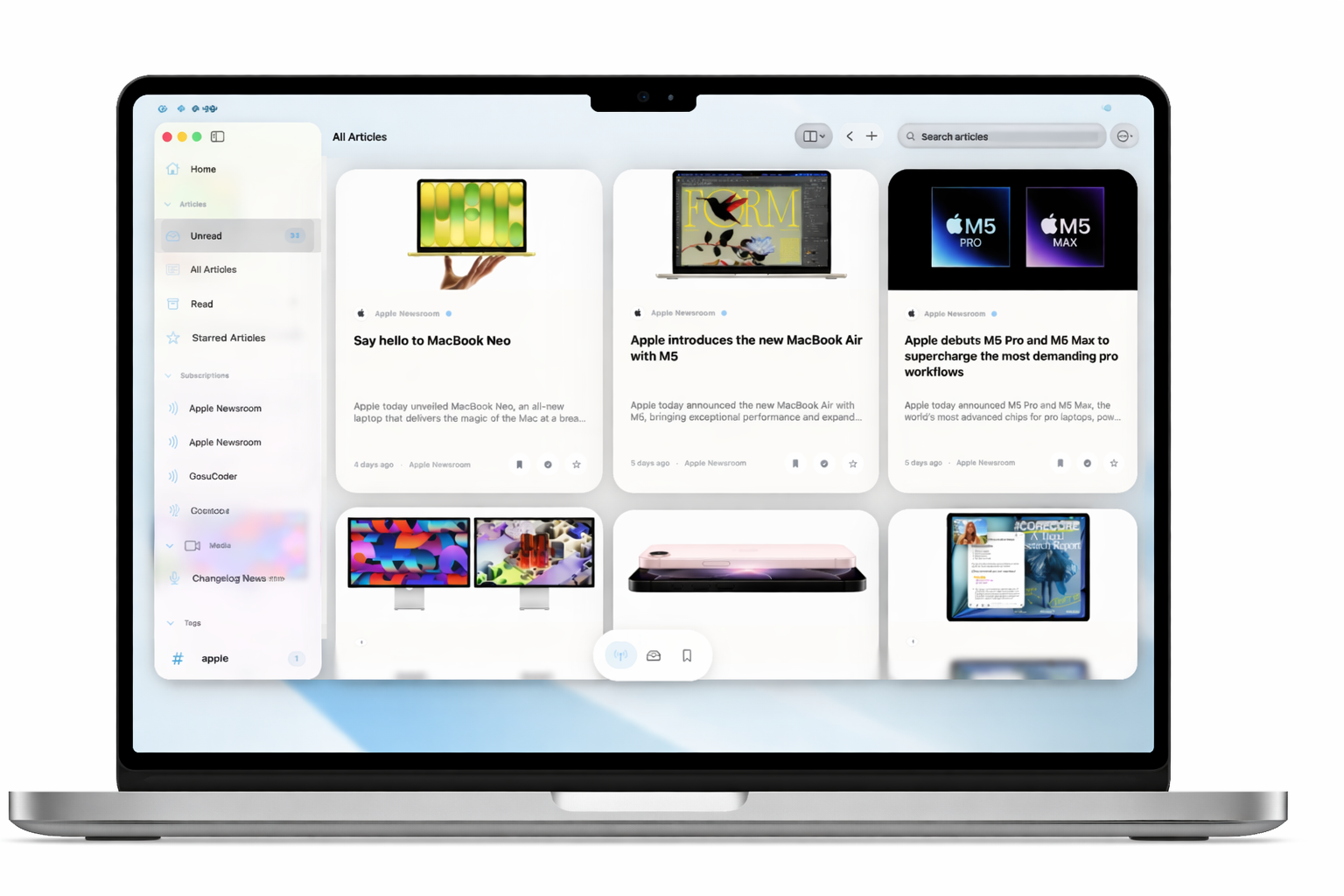
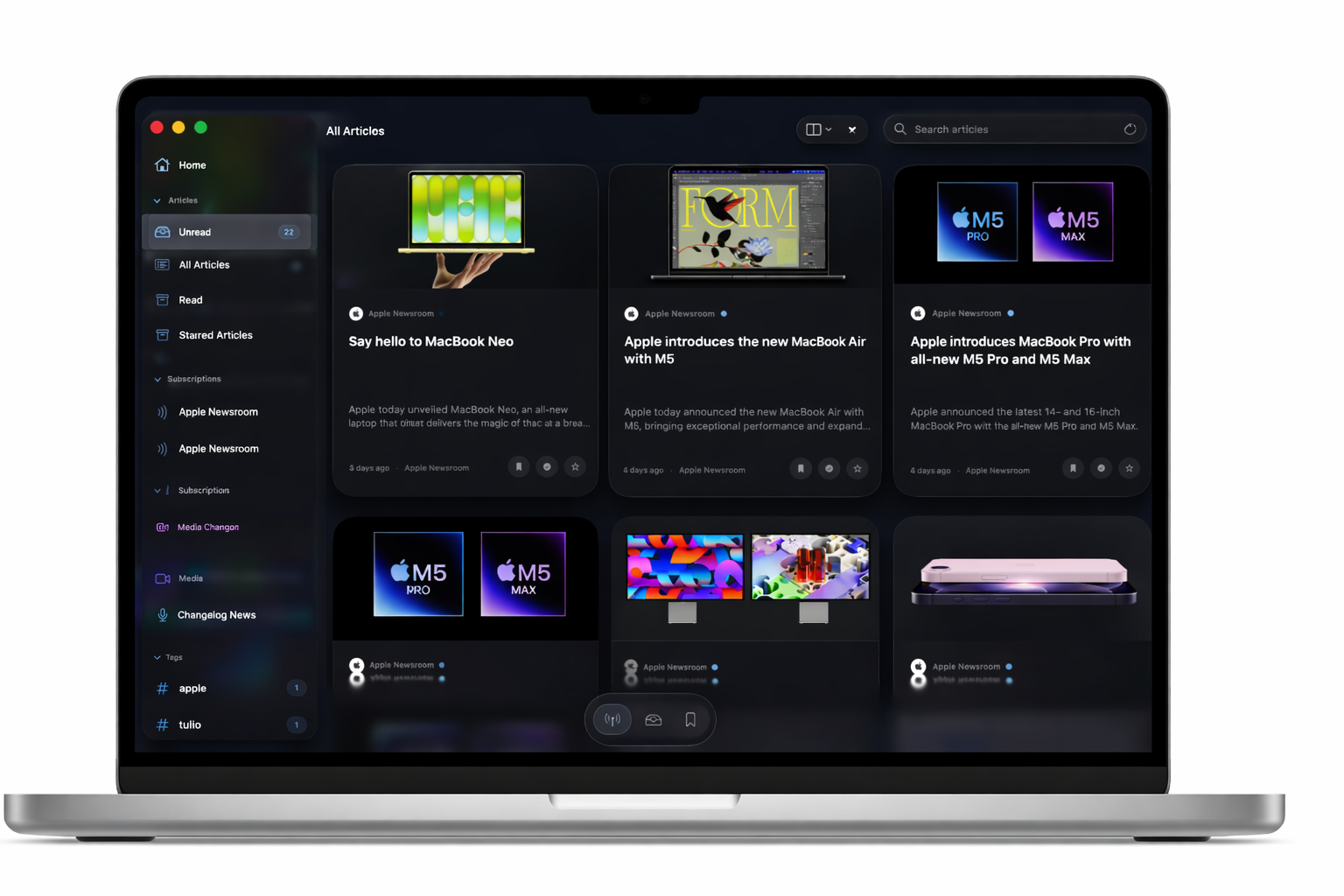
Cardmaniacs on Apple platforms Cardmaniacs on Apple platforms
  • iPhone — Capture and read on the go.
  • iPad — Split view and workspace layout.
  • Mac — Command palette and Vim navigation.

Your reading desk
is ready.

Download Cardmaniacs on Mac, iPhone, and iPad — one subscription, every feature.

Get theApp

iOS iPadOS macOS